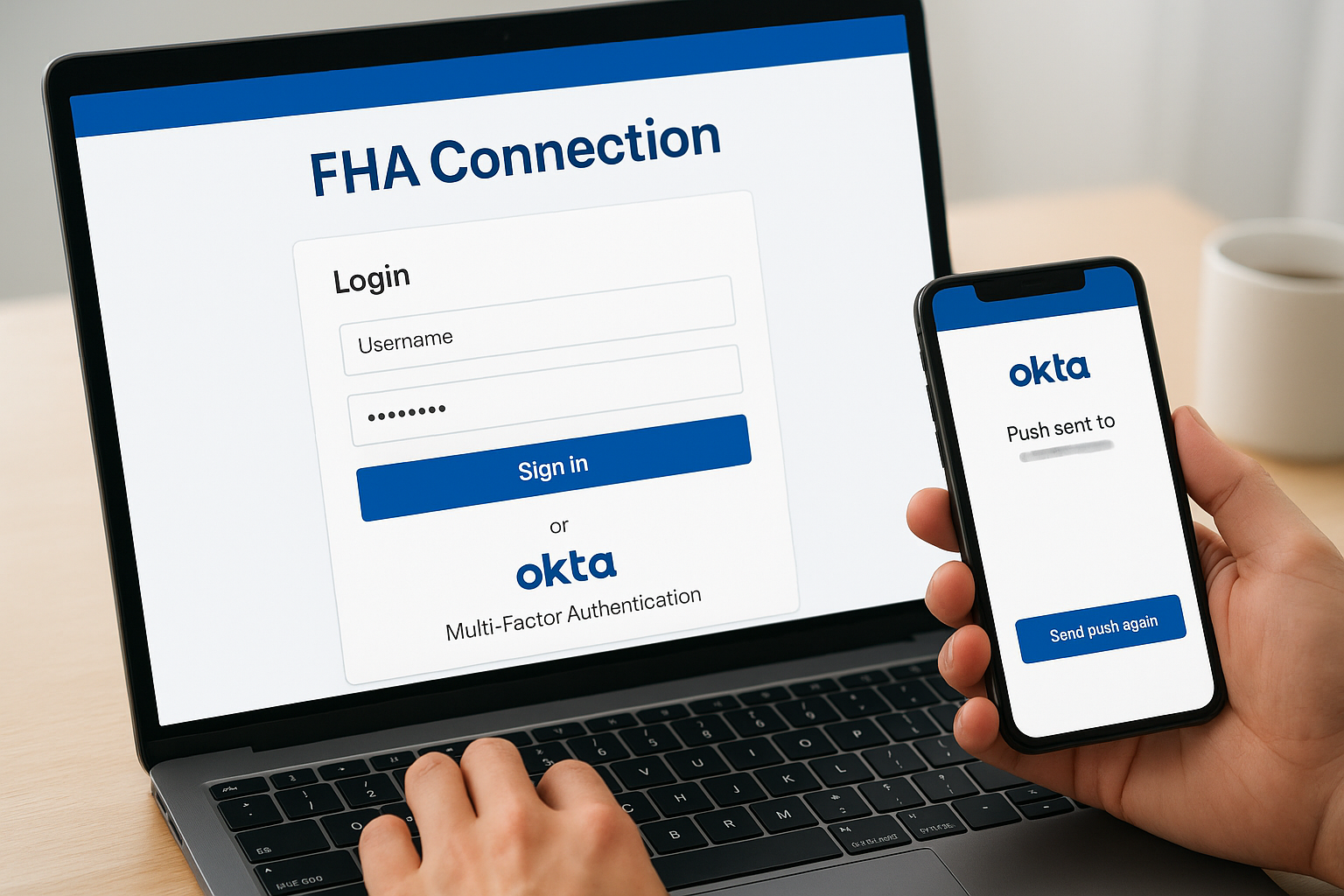
FHA Connection Login: Official Portal, Okta MFA & Help
Whether you're a mortgage professional checking case numbers or a lender pulling insurance endorsements, the FHA Connection login portal is your gateway to HUD's online platform. This system handles everything from loan case queries to premium collection, and knowing how to access it quickly matters when deadlines are tight.
At David Roa's lending practice, we work with FHA loans daily, helping homebuyers secure financing through programs like 100% FHA financing and 203k renovation loans. That hands-on experience means we understand the backend systems that keep these transactions on track for our clients and real estate partners.
This guide covers the official FHA Connection portal access, Okta Multi-Factor Authentication setup, and the steps to register for a new user ID. You'll get direct links and clear instructions so you can log in and get back to work without chasing down scattered information.
What the FHA Connection is and who can use it
The FHA Connection is HUD's official web-based system that lets approved lenders and housing counselors access Federal Housing Administration programs and services. You use this portal to submit case numbers, check insurance endorsement status, pay premiums, and manage FHA-insured loan documentation. This platform replaced older systems and now requires Okta authentication for enhanced security, which means you'll need to set up multi-factor authentication before your first fha connection login.
Who needs an FHA Connection account
Your organization needs an FHA Connection user ID if you're a direct endorsement (DE) lender, loan correspondent, or HUD-approved housing counselor. Mortgage brokers working under a sponsoring lender typically access the system through their employer's credentials rather than individual accounts. Real estate agents and borrowers don't log in directly since this portal handles lender-side operations only.
Only FHA-approved entities and their authorized staff members can register for access to the FHA Connection system.
Specific roles that require access include underwriters processing FHA case numbers, loan processors submitting documentation, quality control staff reviewing endorsed loans, and mortgage insurance premium collectors. Housing counseling agencies also use the platform to certify homebuyer education completion. If you're working at a mortgage company that handles FHA products, your compliance officer or designated IT contact usually coordinates new user registrations through HUD's sponsor approval process. Each user gets assigned specific permission levels based on their job function, so you'll only see the tools relevant to your daily responsibilities.
Step 1. Use the official FHA Connection portal
You access the FHA Connection system through a single official URL that HUD maintains for all approved users. Bookmark this address to avoid landing on outdated links or third-party sites that can't process your fha connection login credentials.
Navigate to the correct portal address
The official FHA Connection portal is located at https://entp.hud.gov/clas. You type this URL directly into your browser's address bar rather than searching through Google, since search results sometimes surface archived pages or external reference sites that don't connect to the live system. HUD's enterprise portal domain (entp.hud.gov) hosts multiple systems, so you'll see additional options like FHAC Single Family and HUD HEROS after reaching the login screen.
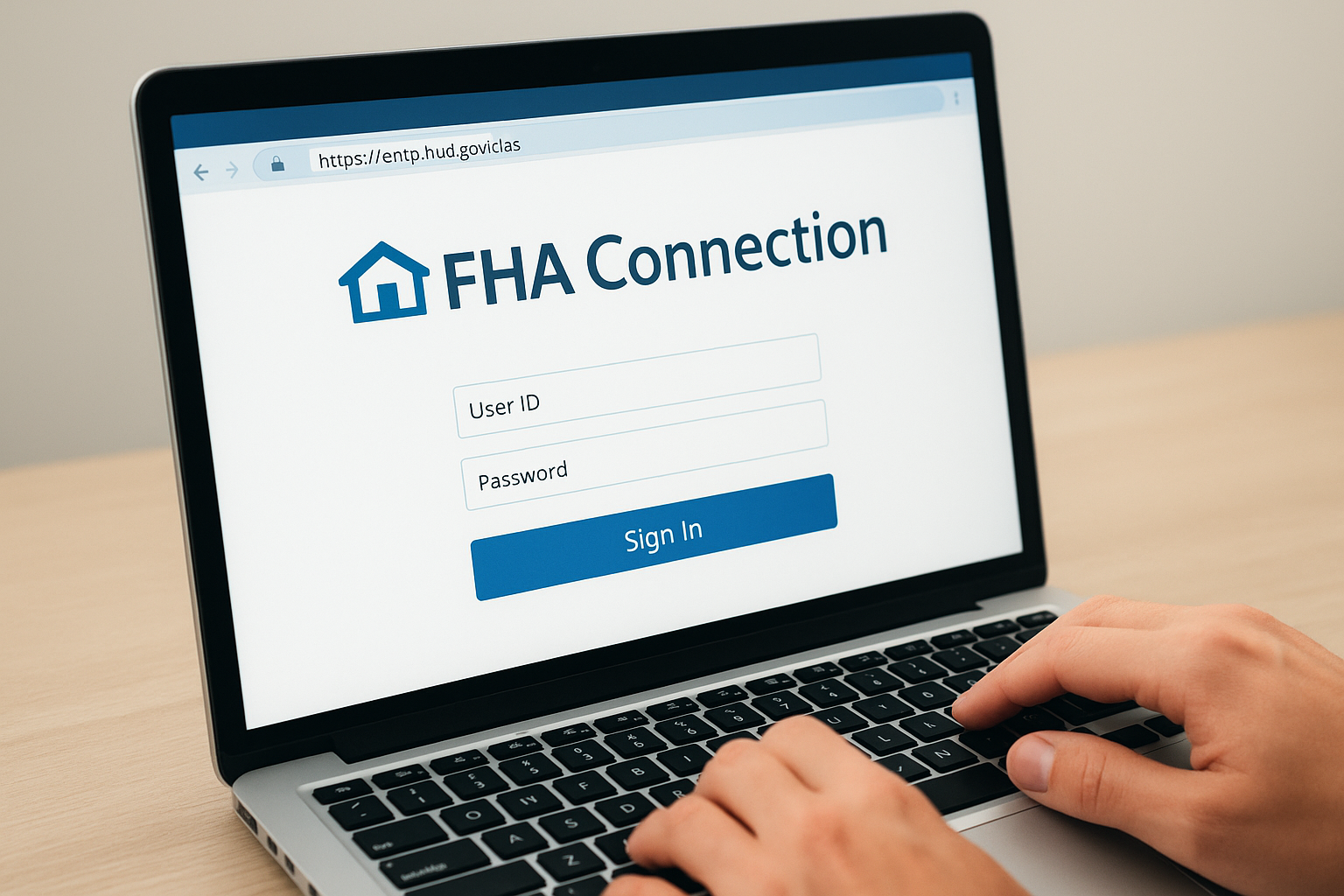
Always verify you're on the entp.hud.gov domain before entering any credentials to avoid phishing attempts.
Once you reach the portal, you'll see the Okta authentication screen with the FHA Connection logo. This page asks for your User ID and password before directing you to the multi-factor authentication step. If your browser displays a security certificate warning, stop and contact your IT department since the legitimate HUD portal always maintains valid SSL encryption.
Step 2. Sign in with Okta MFA
After reaching the portal, you enter your User ID and password in the Okta login screen. The system then prompts you to verify your identity through multi-factor authentication, which adds a second security layer beyond your password. This MFA requirement started when HUD migrated all FHA Connection accounts to Okta authentication in 2023, replacing the older security token system.
Enter your login credentials
You type your HUD-assigned User ID in the first field, which typically follows a format like your organization's sponsor ID combined with your individual identifier. Your password must meet HUD's requirements of at least 8 characters with uppercase, lowercase, and numeric values. If you get an "invalid credentials" error, verify you're typing the User ID exactly as HUD provided it since the field is case-sensitive and doesn't accept email addresses as substitutes.
Complete the MFA verification
Okta sends a push notification to your registered mobile device through the Okta Verify app, which you installed during initial account setup. You tap "Approve" on your phone to confirm the fha connection login attempt. Alternative verification methods include entering a six-digit code from the app or receiving a code via SMS if you haven't installed Okta Verify yet.
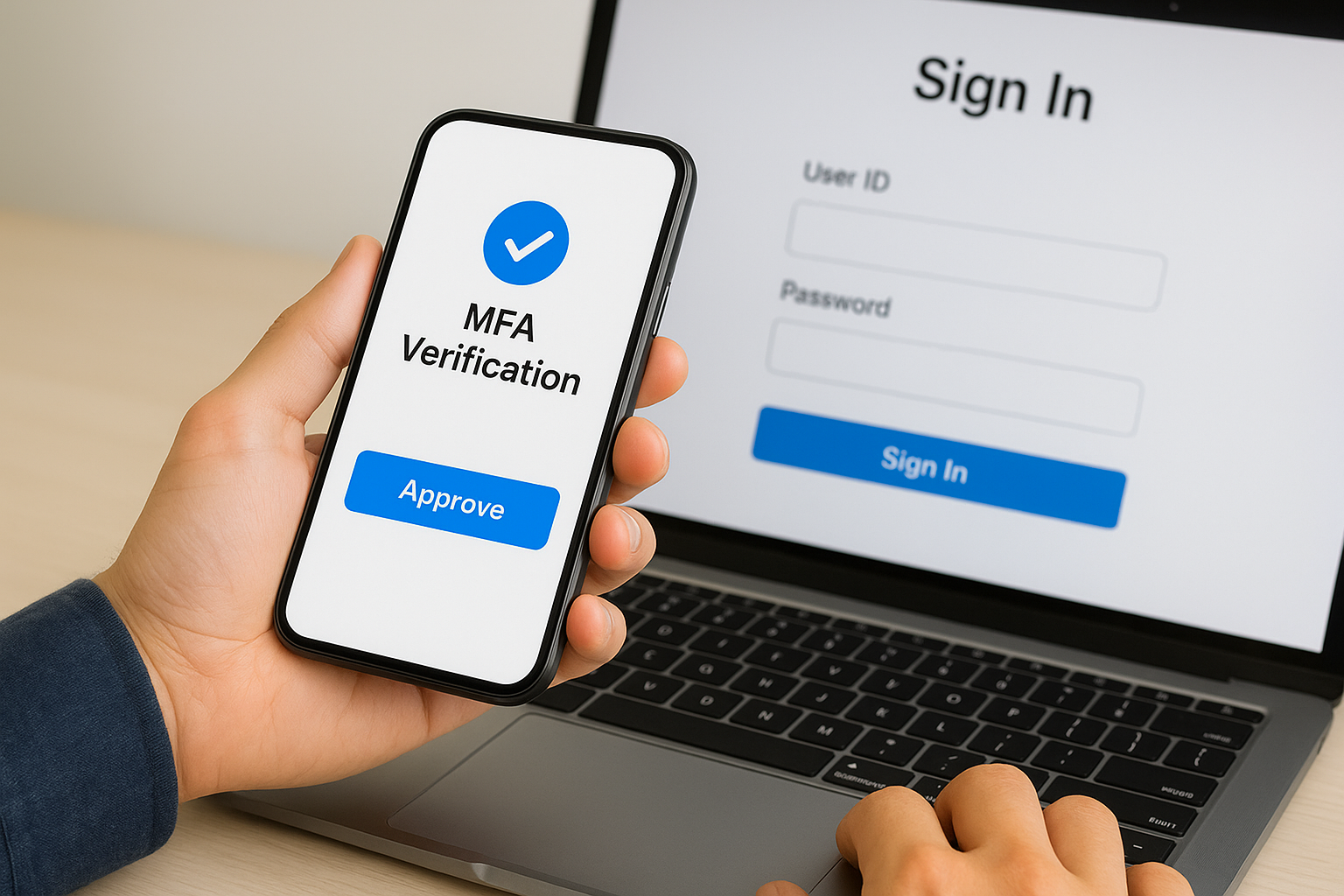
The MFA verification step times out after 60 seconds, so keep your authentication device nearby when logging in.
Step 3. Register for a new user ID
You can't self-register for an FHA Connection account because HUD requires all new users to go through an approved sponsor organization. This process protects the system by ensuring only authorized personnel from HUD-approved lenders and housing counseling agencies gain access to sensitive loan data and case management tools.
Contact your organization's sponsor
Your company's designated sponsor handles all fha connection login account requests and maintains authority to add or remove users. You find this person by asking your compliance department or IT coordinator who manages FHA Connection access at your organization. The sponsor typically holds a Connection Manager role and already has the credentials needed to submit new user applications through HUD's system.
Only your organization's authorized Connection Manager can initiate the registration process for new FHA Connection accounts.
Complete the registration form
Your sponsor submits a user registration request that includes your full name, job title, email address, and the specific permission levels you need based on your role. HUD processes these requests within 3 to 5 business days, then sends activation instructions directly to your email. You follow the link in that message to set your password and configure Okta MFA before attempting your first login.
Step 4. Fix common login problems
Most fha connection login failures stem from expired passwords, cached browser data, or incorrect Okta MFA setup. You can resolve these issues directly without waiting for HUD support tickets in most cases. The system logs you out after 15 minutes of inactivity, so frequent disconnections during your workday are normal rather than a technical problem.
Reset your password or User ID
You click the "Forgot Password" link on the Okta login screen if you can't remember your credentials. The system sends a reset link to your registered email address within minutes. If you never received your initial User ID or the reset email doesn't arrive, contact your organization's Connection Manager since they control all user account modifications and can reissue credentials directly through HUD's sponsor portal.
Password resets typically process within 5 minutes, but contact your sponsor if you don't receive the email after 30 minutes.
Clear your browser cache and cookies
Browser storage conflicts cause "session expired" errors even when you just logged in successfully. You press Ctrl+Shift+Delete on Windows or Cmd+Shift+Delete on Mac to open your browser's clear data menu. Select "Cached images and files" plus "Cookies and other site data" for the past hour, then restart your browser before attempting to log in again.
Next steps
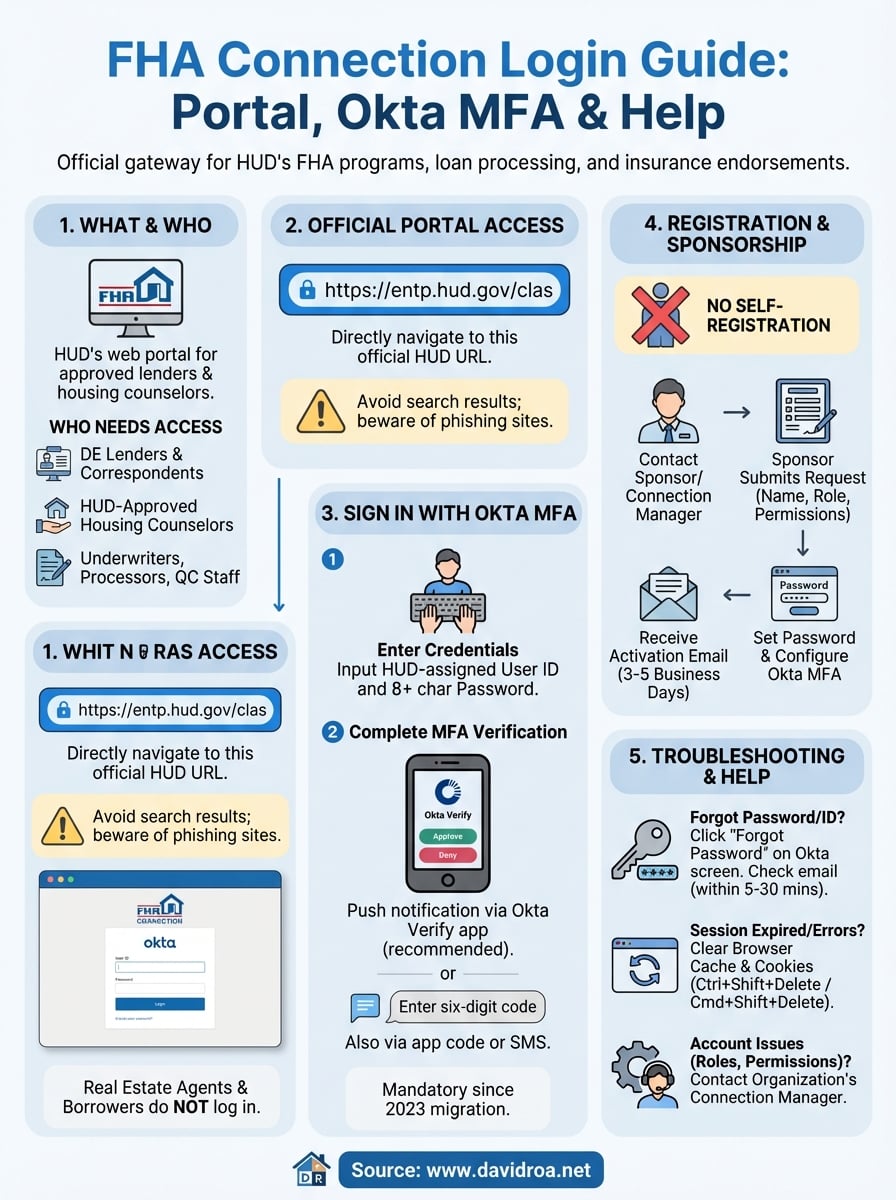
You now have the official portal address and understand the Okta MFA process required for every fha connection login. These access steps apply whether you're submitting new case numbers, checking insurance endorsements, or processing premium payments through HUD's system. Your organization's Connection Manager remains your first contact for account-specific issues like permission changes or role updates that fall outside standard login troubleshooting.
The FHA Connection portal handles the backend processing that makes FHA loans possible, but the actual loan origination happens through experienced lenders who navigate these systems daily. Working with a loan officer who understands both the borrower side and the technical requirements can streamline your home financing process significantly.
If you're exploring FHA loan options for your home purchase or investment property, David Roa brings over 25 years of experience helping clients secure FHA financing, including specialized programs like 203k renovation loans and 100% FHA products. Real estate agents partnering with established lenders ensure their clients close on time with fewer technical delays.
